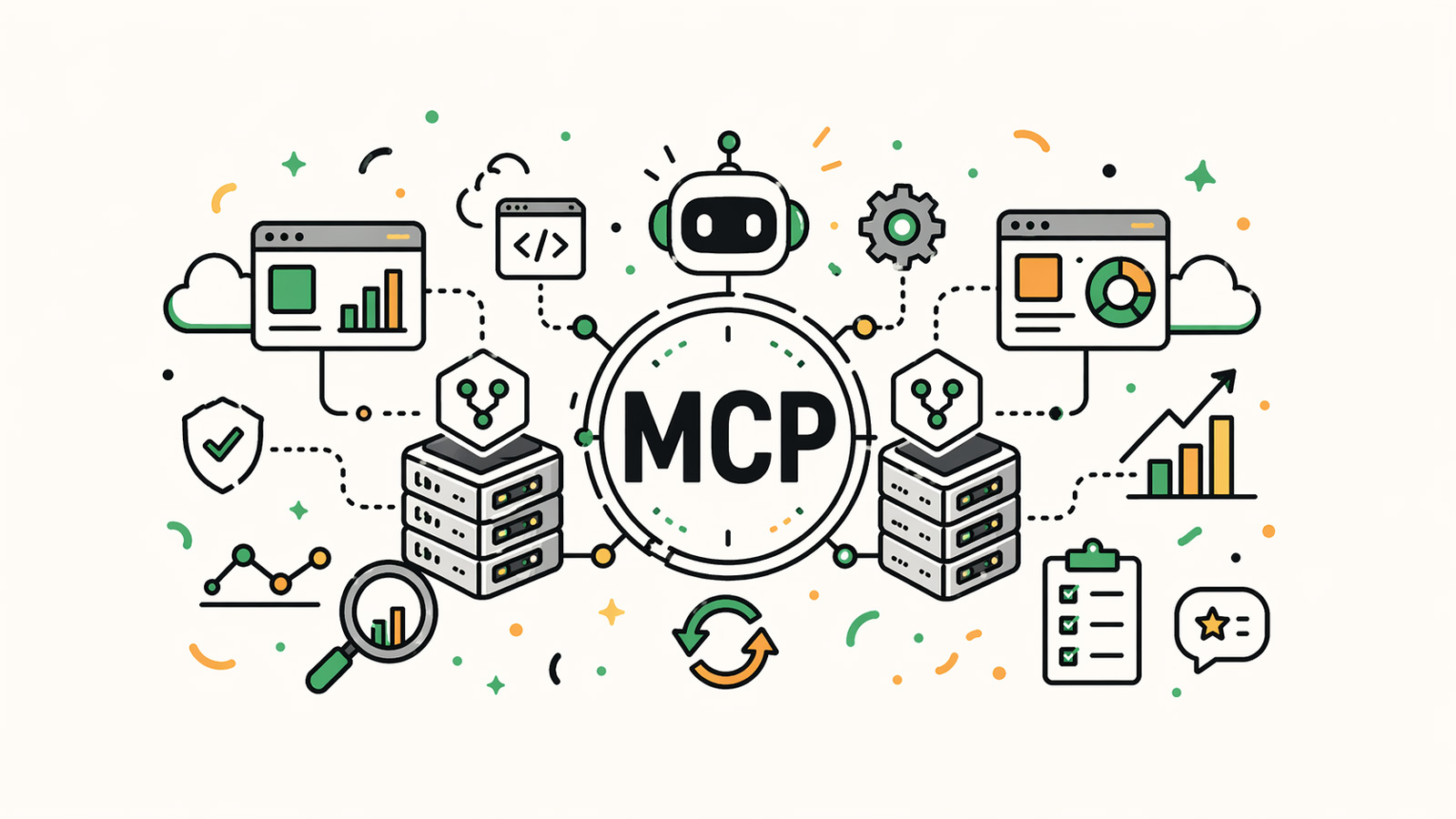
For the past year, MCP servers (Model Context Protocol) have been one of the hot topics in AI. They allow connecting a product to any compatible AI agent (Claude, ChatGPT, Cursor...) via an open standard.
I now have two in production on my own projects:
- One for Begonia.pro, my Local SEO SaaS.
- One for Fude.md, my multi-device Markdown reader.
Here is my feedback: why I chose to develop them, how I went about it, and what AI agents actually do with them.
The Principle: An API Designed for AIs
An MCP server is a bit like an API designed for AIs.
Where a traditional API exposes endpoints for developers, an MCP server mainly exposes tools that the AI can call directly in a conversation. Each tool has a name, a description, parameters, and returns a result. The agent reads the list, chooses the right tools, calls them if necessary, and then uses them to respond.
But an MCP server is not limited to tools. It can also expose resources for reading, meaning content that the AI can consult, as well as ready-to-use prompts to guide usage.
For a SaaS, this opens a new entry point. A bit like the mobile app opened one in 2012, or the public API in 2018.
Why I Wanted to Build Them
Far from being a technical exercise, each of my projects had an interest in offering an MCP server:
On the Begonia.pro side, more and more local entrepreneurs and SEO consultants are asking their questions to an AI rather than Google. "Is my Google Business profile well optimized?", "What local keywords am I missing?". Without an MCP server, ChatGPT responds with its generic data. With my MCP server, they interrogate my SaaS Begonia.pro directly, which can answer with real data derived from my SEO analyses.
On the Fude.md side, it streamlines usage. Fude is a Markdown reader: my users store their product specs, meeting notes, and article drafts there. An AI agent connected via MCP can analyze their writing style, summarize specs, and query their notes in natural language. The MCP server literally becomes a product feature in its own right.
Two opposite logics: with Begonia, I expose qualified data; with Fude, I expose personal documents.
The Real Issue: Choosing What to Expose
An MCP server is not a dump of the internal API. The more tools you expose, the more the AI gets lost, unnecessarily consumes tokens, and hallucinates out-of-context calls. I preferred to start small: 3 tools per server.
For Begonia.pro:
audit_local_business: quickly audit a new local business.get_business_scan: read the complete existing audit, created by my SaaS, of a business.search_local_seo_knowledgebase: query my SEO knowledge base.
For Fude.md:
list_projects: list the user's projects.search_documents: search through documents by keywords.get_document: read a complete document.
In both cases, three tools that each do one clear thing. No duplicates, no "just in case" tools.
Writing the Tool Description Is Writing a Prompt
A tool's description is read by an LLM. It's a prompt. If it's vague, the AI will never call it, or call it incorrectly.
Here is my method so far:
- Name: a verb + an object (
search_documentsrather thandocuments). - Description: what it does, when to use it, what it returns. Two or three sentences max.
- Parameters: typed, with an example if the format isn't obvious.
- Errors: exploitable by the LLM ("Project not found, use
list_projectsto see available names") rather than HTTP codes.
Authentication: The Real Technical Challenge
For a local MCP server (running on the user's machine), authentication is often simpler, because the server is already running on the user's machine. But it doesn't disappear entirely: you still have to pay attention to permissions, used secrets, and what the server can read or do.
For a remote, multi-user server, the subject becomes much more classic: identity, rights, revocation, audit.
For Fude, since Markdown files are synchronized locally on the machine, I naturally chose to create a local MCP server. This avoids transferring sensitive data outside of AI, to use the MCP, and promotes faster document search speeds.
For Begonia.pro, I have for now chosen to authenticate with an API key, unique to each user, easily revocable and copyable. In the future, I will likely offer a classic OAuth connection with authentication to their account via a browser. But for this first version, the API key is sufficient.
What AI Agents Actually Do with My Servers
It is interesting to look at the logs after a few weeks in production.
On Begonia.pro, most of the calls are for audit_local_business. A user asks Claude to "audit the Google profile of Bakery X in Lyon" and gets a report back with real data.
On Fude.md, the agents are much more methodical: they almost systematically call list_projects first, then search_documents, and only then get_document if the search matched. This shows that AIs know how to navigate a well-designed MCP structure.
Two things I noted:
- Agents do not necessarily respect the suggested order in the descriptions. Each tool must be independently robust.
- Agents sometimes call the same tool multiple times when they hesitate or want to retrieve more data to make a decision.
Other Feedback
A few important points to keep in mind:
- Versioning. A remote MCP server is consumed by hundreds of different clients (every Claude Desktop installation is a client). It's impossible to break a tool without breaking your users' integrations. The same rules apply as for a public API: deprecate, don't delete.
- Tokens consumed on the AI side. Each tool adds tokens to the AI's context window, even when it isn't called. If a user connects 40 MCP servers, they quickly hit their limit. All the more reason to focus on the essential tools per server.
- Discoverability. MCP doesn't solve the adoption problem. The user must know that your server exists, then configure it in their client. Today, configuration is still the weak link in MCP server usage, often involving editing JSON config files. It will improve, but for now, you have to provide support.
Conclusion
An MCP server is a new entry point for a SaaS. As important as an API, but with a radically different user: an LLM that reads, chooses, and chains your tools together.
This changes how a SaaS is used. My clients don't necessarily come to the Begonia.pro website or the Fude app anymore: they use their favorite AI, and my products are there, available, and cited. It's a new way to distribute a SaaS.
If you want to test them, both servers are accessible:
- Begonia.pro MCP: Google profile audits, local search, Local SEO knowledge base. More info on Begonia.pro.
- Fude.md MCP: access to your personal Markdown documents. Fude.md.
And you, are your products ready for the AI agent era? Have you already thought about what you could expose via MCP?
📌 If you want to think about MCP integration or, more broadly, the role of AI in your product, discover my Product Engineering services to design and develop the right tools.